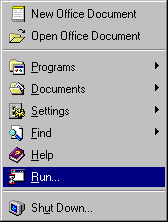
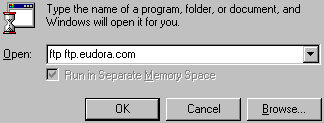
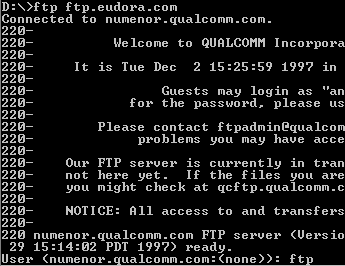
When the file has finished downloading, type bye and press the Enter key.
Install
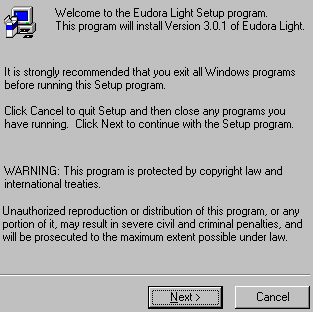
Double-click teh eul305.exe icon on the desktop.
Click the Next button.
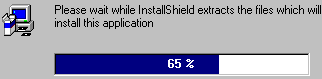
Wait for the installation files to be unpacked.
Take a moment to read the Software License Agreement. When you are ready to
continue, click the Yes button.
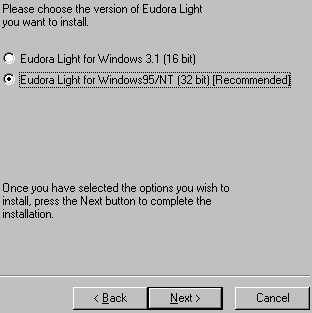
Click the Next button.
Click the Next button.
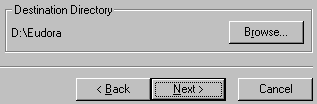
Click the Next button.
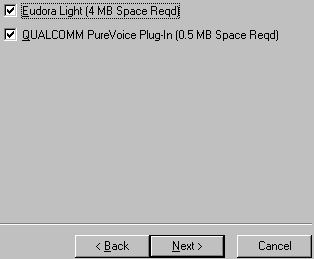
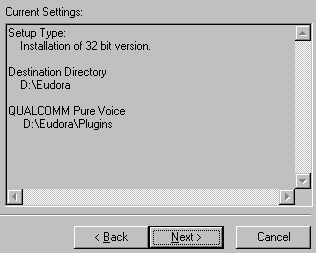
Review the installation options and click the Next button.
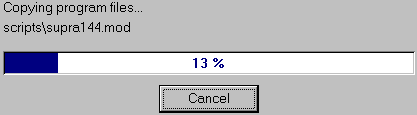
Wait while setup copies the program files.
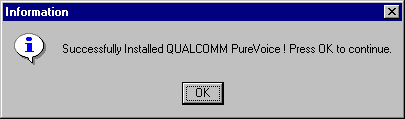
Click the OK button.
If you receive a message that says something like Some files could not be updated
because they are currently in use..., just click the OK button.
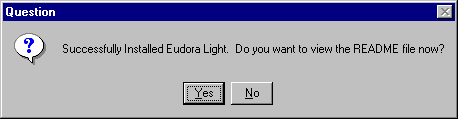
Click the No button.
Configure
Click the Start button.
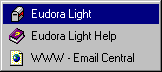
From the Start menu, point to Programs, point to Eudora Light, and
choose Eudora Light.
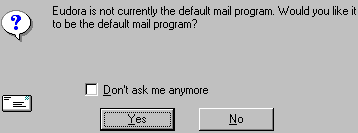
Check the Don't ask me anymore box.
If you want Eudora to be your main email program, click the Yes button. If you
intend to use another mail program for most of your email, click the No button. If
you are not sure, just click the No button.
Click the Close button.
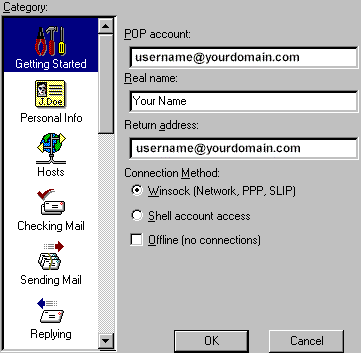
In the POP Account text box, type your email address. For example:
username@your_domain.com
In the Real name text box, type your name.
In the Return Address text box, type your email address. For example:
username@your_domain.com
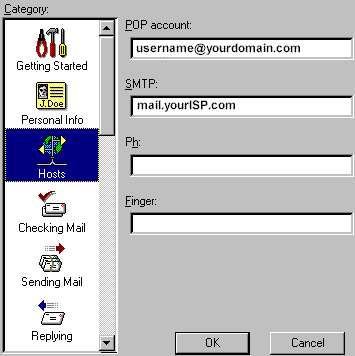
Under Category, select Hosts.
In the SMTP text box, type mail.yourISP.com
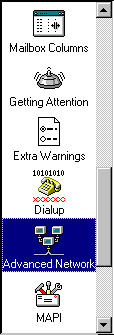
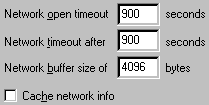
Under Category, scroll down to Advanced Network and select it.